Alight Motion Editing Guide: Create Pro Videos on Mobile
Ultimate Alight Motion editing guide for absolute beginner to pro editor. Learn about features, tricks and tips for shooting videos with your mobile device.
Video content is everywhere today. Everyone creates content from Instagram reels to YouTube shorts. Editing is what can set a video apart from the average. Those editing tools can turn what is an otherwise simple clip into something which looks extremely professional and even cinematic.
Today, one of the most popular mobile editing apps is Alight Motion. Extensively utilized by novices, video creators and even semi-professional editors seeking for robust editing tools on their smartphones.
Alight Motion is a video editing and motion graphics app designed for mobile devices, that permits you to animate, apply visual effects and make high-quality video edits directly on your phone instead of using a personal computer. It is particularly favored by social media creators due to its professional capabilities packaged in an easy-to-use mobile interface.
If you are an absolute beginner in the video editing world, this guide takes you through all that is Alight Motion—tools & techniques for making pro-level videos.
Getting Started with Alight Motion Editing Guide
Starting with Alight Motion is easy.
How to Download and Install
You can download it from the Google Play Store or Apple App Store. After installation, open the app and allow permissions.
Basic Interface Overview
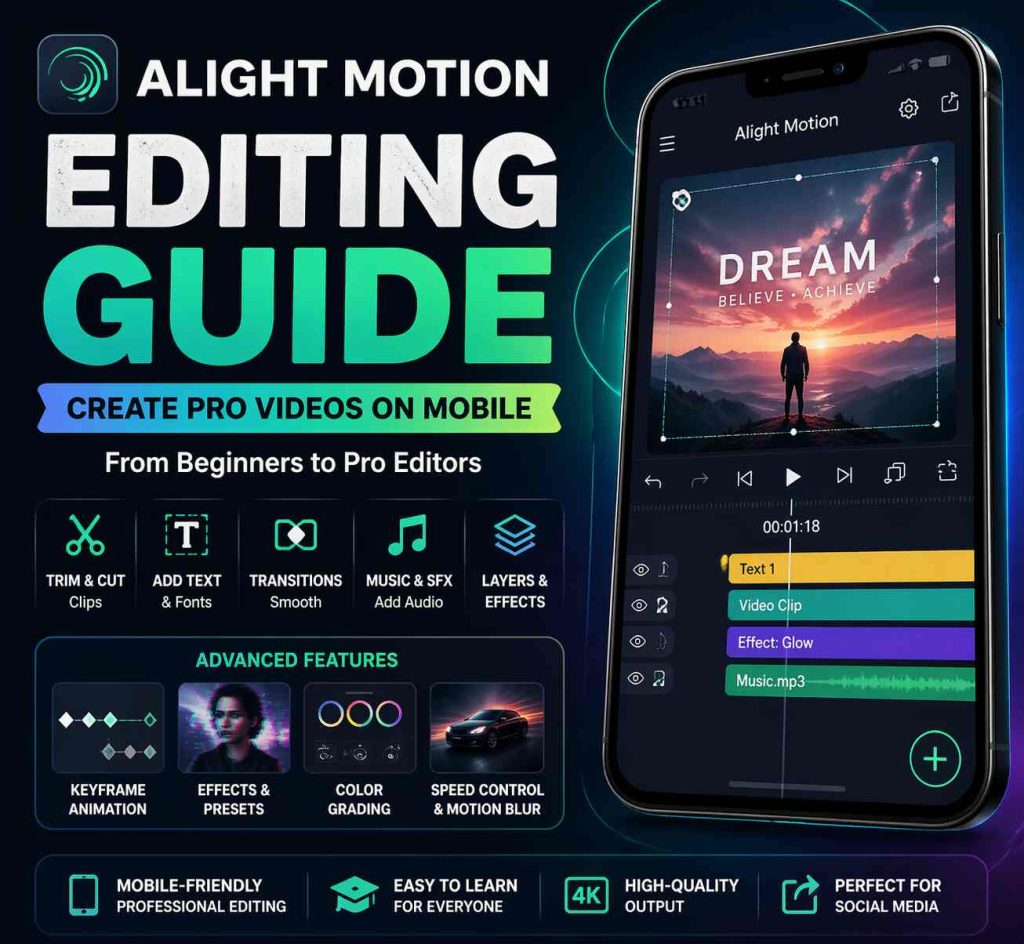
Upon opening the app, you will see:
- Project panel
- Editing timeline
- Tools panel
Preview screen
Creating Your First Project
Select the “+” button, select your resolution and begin inserting media files such as videos, image or text.
Basic Editing Tools Explained
Basic tools need to be understood before moving on towards advanced editing.
Trimming and Cutting Clips
It allows you to quickly trim unwanted content or even separate clips into sections.
Adding Text and Fonts
Add text in various styles with fonts, colors, and animation using Alight Motion.
Using Transitions
Transitions you can use these to smoothly transition from one clip to another.
Adding Music and Sound Effects
With basic knowledge acquired, you can proceed to difficult editing.
Advanced Editing Techniques
Once you understand the basics, you can move to advanced editing.
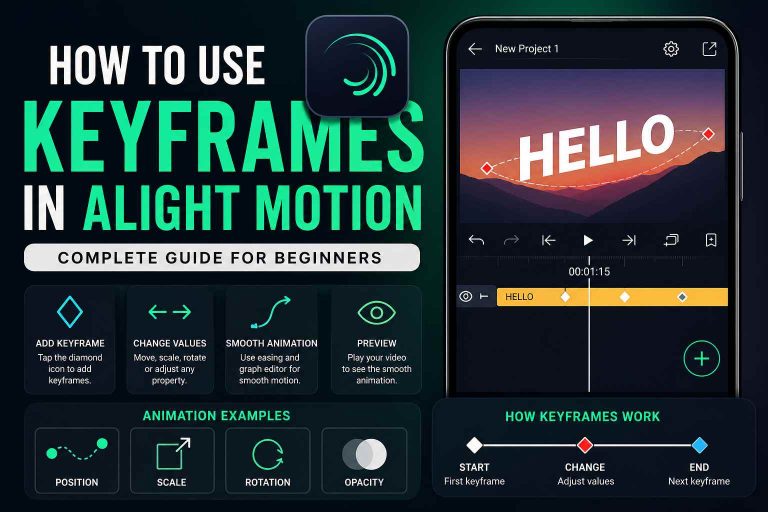
Keyframe Animation Basics
To are the center of Alight Motion which is Keyframes. They enable you to animate objects from a single point in space to another.
For example:
- You can make text move across the screen
- Zoom in or out of a video
- Rotate images smoothly
Using Effects and Presets
Make your video more vivid with effects like glitch, blur, shake, and glow.
Color Grading and Adjustments
You can make tweaks like brightness, contrast, saturation, and temperature.
Speed Control and Motion Blur
Change the speed of clips and add motion blur to get that movie feel
Exporting Your Final Video
After editing, exporting is an important step.
Best Settings for Quality Export
- Resolution: 1080p or higher
- Frame rate: 30fps or 60fps
Format Selection Tips
MP4 format is best for most platforms.
Platform-Specific Settings
- YouTube: High resolution (1080p or 4K)
- Instagram: Square or vertical format
- TikTok: Vertical format (9:16
Tips for Beginners to Create Pro-Level Videos
If you are just starting, these tips will help you improve quickly:
Use Templates Smartly
Don’t start from scratch every time. Use templates and modify them.
Keep Edits Clean and Simple
Avoid overloading your video with too many effects.
Follow Trends for Inspiration
Check trending videos on TikTok and Instagram for ideas.
Practice Consistency in Style
Use similar fonts, colors, and effects to create your own editing identity.
Why Choose Alight Motion for Editing?
There are many video editing apps available, but Alight Motion stands out for several reasons.
Mobile-Friendly Professional Editing
You don’t need a PC or laptop. Everything can be done on your smartphone.
Easy Learning Curve
Even beginners can start editing quickly because the interface is simple and well-organized.
High-Quality Output
It supports high-resolution exports, making your videos look sharp and professional.
Perfect for Social Media Content
Whether you are creating YouTube videos, TikTok clips, or Instagram reels, Alight Motion works perfectly for all platforms.
Common Mistakes to Avoid
Beginners often make mistakes that reduce video quality.
Overusing Effects
Too many effects can make your video look messy.
Poor Audio Sync
Make sure music and video are properly synchronized.
Low-Resolution Export
Always export in high quality for better results.
Cluttered Timeline
Keep your project organized to avoid confusion during editing.
Final Thoughts
Alight Motion is one of the best mobile editing apps you can have on your device today! However, for the very first time, beginners can leverage the experience of creating extremely professional videos without heavy software or even a computer.
The entire thing might be a bit complicated in the beginning as it has things like keyframes and layers. With time, however, it becomes much easier and you have the ability to create fantastic edits that pop on social media.
Alight Motion is a great place to start if you want to get serious about video editing. What is more important than everything else is consistency keep shooting, experiment with new effects and refer to the intermediaries.
So, by following this Alight Motion editing guide you will be able to make edits like a pro.